What Are Wi-Fi Routers and How Do They Work?
Wi-Fi routers are essential devices that keep us connected by providing wireless internet access in homes, offices, and public spaces. This comprehensive guide explains what Wi-Fi routers are, how they work, and why they are a crucial part of modern wireless networking.
What Are Wi-Fi Routers?
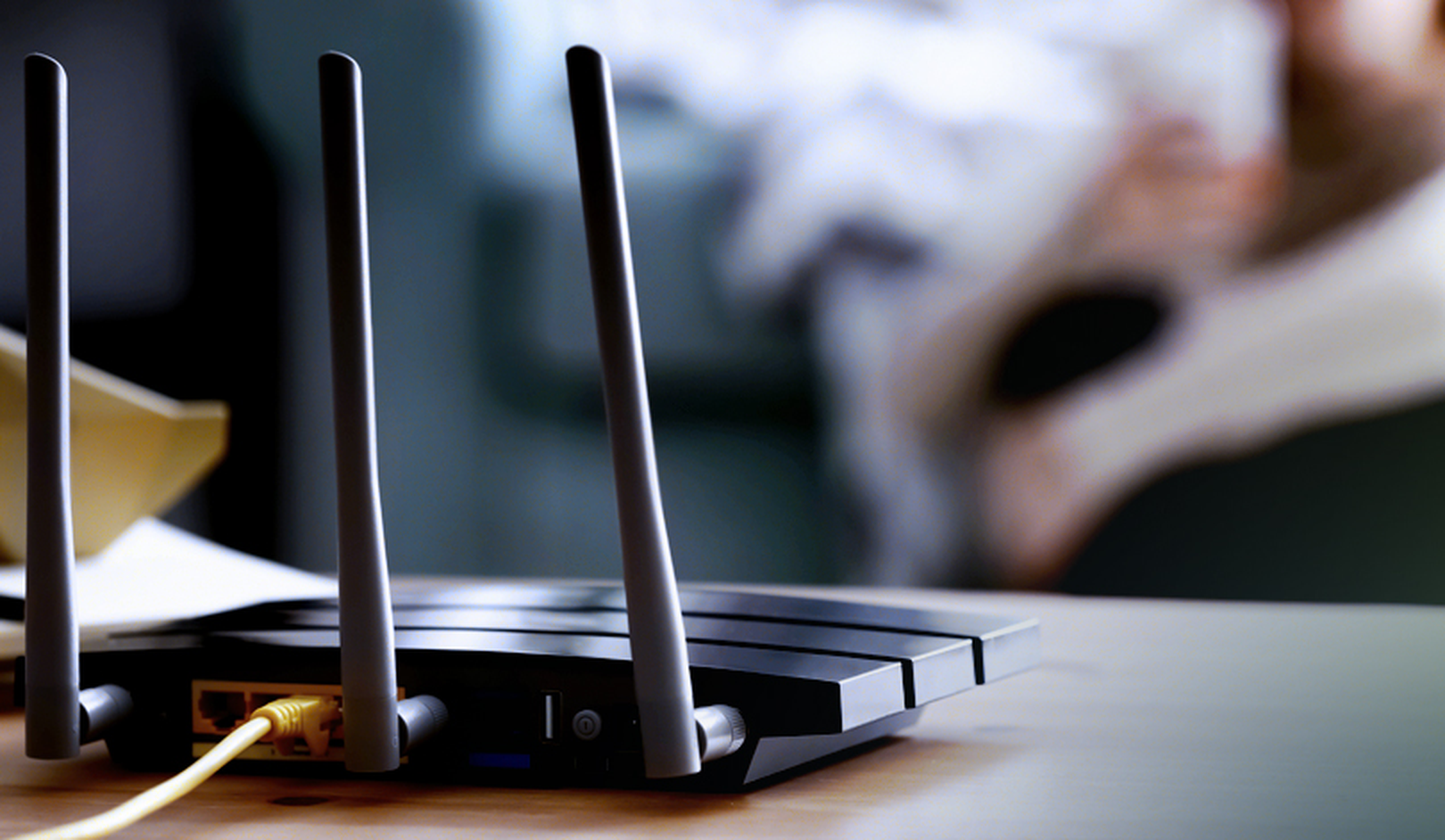
A Wi-Fi router is a networking device that connects to your broadband modem and creates a wireless local area network (WLAN). It allows multiple devices—such as smartphones, laptops, tablets, and smart home gadgets—to access the internet without the need for physical cables. By converting a wired connection into a wireless signal, Wi-Fi routers offer flexibility, convenience, and mobility.
Key Functions of Wi-Fi Routers:
Internet Sharing: Distributes a single internet connection to multiple devices.
Wireless Connectivity: Provides a Wi-Fi signal that enables devices to connect without cables.
Network Management: Often includes features such as security protocols, parental controls, and guest networks.
How Do Wi-Fi Routers Work?
Wi-Fi routers function by managing and transmitting data between your connected devices and the internet. Here’s a step-by-step look at how they work:
Connection to the Internet:
The router is connected to a modem, which receives data from your internet service provider (ISP). The modem converts the incoming data into a digital format that the router can use.Signal Broadcasting:
The router takes the digital data and uses an internal processor to convert it into radio signals. These signals are broadcast through built-in antennas.Wireless Communication:
Devices within range receive these radio signals and convert them back into digital data. This allows for seamless internet browsing, streaming, and data transfer.Data Routing:
The router directs data packets between devices on the local network and the internet, ensuring that the correct information reaches the right destination.
Key Components of a Wi-Fi Router
Understanding the main components of a Wi-Fi router can help you appreciate its functionality:
Processor (CPU):
Handles data processing and network management.Memory (RAM and Flash):
Stores the router’s operating system, configuration settings, and temporary data.Antennas:
Emit and receive radio signals, enabling wireless connectivity across different frequencies (usually 2.4 GHz and 5 GHz).Ports:
Ethernet ports allow for wired connections to devices like computers and network switches.Firmware:
The software that controls the router’s operations, including security features, network protocols, and user interface.
Advantages of Using Wi-Fi Routers
Wi-Fi routers offer numerous benefits that make them indispensable in modern networking:
Convenience and Mobility:
Enjoy wireless internet access without being tethered to a cable.Flexibility:
Easily connect multiple devices across a wide area, whether in a home or an office.Scalability:
Support for additional networking features, such as mesh networking, can extend coverage to larger areas.Enhanced Security:
Modern Wi-Fi routers include robust security protocols like WPA3, firewalls, and parental controls to protect your network from unauthorized access.
Setting Up and Optimizing Your Wi-Fi Router
To get the best performance out of your Wi-Fi router, consider the following tips:
Positioning:
Place the router in a central location to maximize coverage and reduce interference.Firmware Updates:
Regularly update your router’s firmware to improve performance and security.Secure Network:
Use strong passwords and enable encryption (WPA2 or WPA3) to protect your wireless network.Channel Selection:
Adjust Wi-Fi channels to minimize interference from neighboring networks, especially in densely populated areas.
Conclusion
Wi-Fi routers are the cornerstone of modern wireless connectivity, enabling seamless internet access for countless devices. By understanding what Wi-Fi routers are, how they work, and the key components that drive their performance, you can better manage your home or office network and enjoy reliable, high-speed internet.